
Recruitment guide
Passport Photo Shadow 2026: How Much Is Acceptable? — Explained
Understand the acceptable limits of shadows on passport photos in 2026 to ensure your application is accepted without delays or rejections.
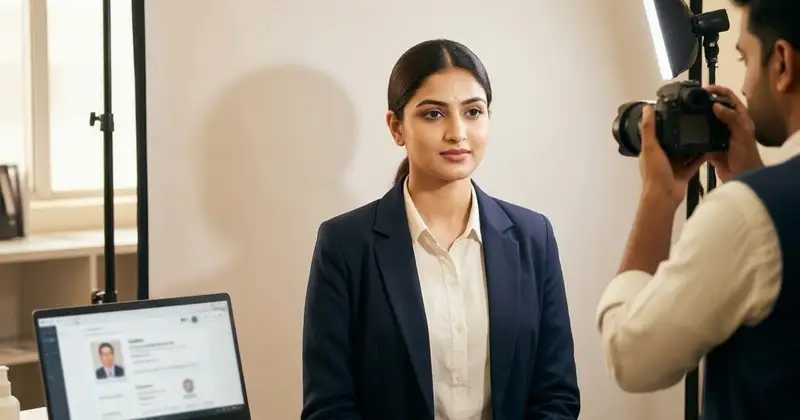
When applying for a passport in India, one of the most critical requirements is submitting a compliant passport photograph. The quality and clarity of the photograph can directly affect the acceptance of your application. A common issue that applicants face is the presence of shadows in the passport photo. Shadows can distort facial features, reduce image clarity, and sometimes lead to rejection of the photo during the application process.
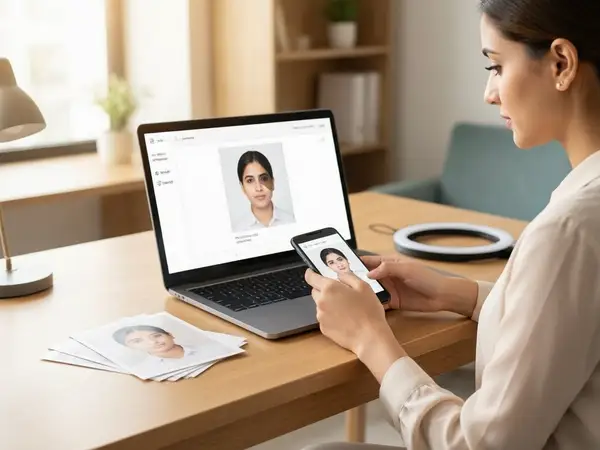
With the increasing digitization of passport applications, including online photo uploads, understanding the acceptable limits for shadows in passport photos has become more important than ever. This article explores the guidelines for passport photo shadows in 2026, how much shadow is considered acceptable, and practical tips to ensure your photo meets the standards required for a smooth passport application process.
Understanding Passport Photo Requirements in India 2026
The Ministry of External Affairs (MEA) and the Passport Seva Kendra (PSK) have set strict guidelines for passport photos to maintain uniformity and security. These guidelines ensure that the photo clearly represents the applicant’s facial features without any distortions caused by lighting, shadows, or other photographic errors.
Some of the key passport photo requirements include:
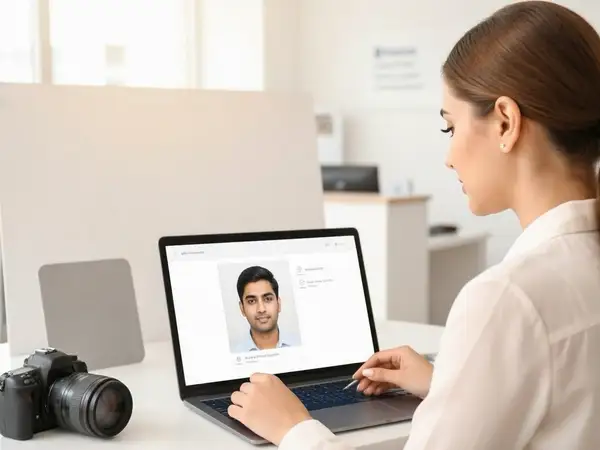
- Photo size must be 2x2 inches (51x51 mm).
- The photo must be recent (taken within the last 6 months).
- Plain white background with no patterns or shadows.
- Face must be fully visible, centered, and without any obstructions.
- No glasses with tinted lenses; clear glasses may be allowed.
- Natural skin tone without excessive editing.
- Proper lighting to avoid shadows on the face or background.
Shadows, especially those that obscure facial features or create uneven lighting, are often a reason for photo rejection. Understanding how much shadow is too much is crucial for applicants.
Why Shadows Matter in Passport Photos
Shadows in passport photos can cause several problems for the authorities processing your application:
- Facial Recognition Issues: Automated systems use facial recognition technology to verify identity. Shadows can alter the appearance of facial contours, leading to verification difficulties.
- Manual Verification Problems: Human officers may find it hard to verify your identity if shadows obscure parts of your face.
- Photo Rejection: Photos with shadows are often rejected at the initial stage, causing delays and the need for resubmission.
Therefore, minimizing shadows is not just a cosmetic concern but a critical factor in ensuring your passport application proceeds smoothly.
How Much Shadow Is Acceptable on a Passport Photo in 2026?
While the official guidelines do not specify an exact measurement or percentage of shadow allowed, the general rule is that shadows should be minimal and must not affect the clarity of the face or the background. Here’s what is generally accepted:
- Background Shadows: No visible shadows are allowed on the background. The background must be plain white and uniformly lit.
- Facial Shadows: Minor shadows caused by natural facial contours are acceptable, but harsh shadows that obscure any part of the face are not.
- Neck and Shoulder Shadows: Slight shadows under the chin or around the neck are usually tolerated if they don’t affect the facial outline.
- Shadow Intensity: Shadows should be soft and light, not dark or sharp.
In summary, any shadow that alters the natural look of your face or disturbs the plain background is considered too much and can lead to rejection.
Common Reasons for Shadows in Passport Photos
Understanding what causes shadows can help you avoid them. Some common reasons include:
- Poor Lighting Setup: Using a single light source or uneven lighting can create shadows on the face or background.
- Incorrect Positioning: If the subject is too close to the background, shadows are more likely to appear behind.
- Improper Camera Settings: Low exposure or incorrect white balance can exaggerate shadows.
- Natural Facial Features: Deep facial contours or protruding features can cast natural shadows.
- Background Color or Texture: Non-uniform or colored backgrounds can highlight shadows more prominently.
How to Avoid Shadows in Passport Photos: Practical Tips
To ensure your passport photo is accepted, follow these practical tips to minimize shadows:
- Use Even Lighting: Use two or more light sources placed at 45-degree angles from the subject to eliminate shadows on the face and background.
- Maintain Distance from Background: Keep at least 1 meter (3 feet) between the subject and the background to prevent shadows falling on the background.
- Choose a Plain White Background: Ensure the background is smooth, plain white, and well-lit.
- Use Natural Light When Possible: Indirect natural light from windows can provide soft, even illumination.
- Adjust Camera Settings: Use proper exposure settings and white balance to avoid dark shadows.
- Face the Camera Directly: Avoid tilting your head or body to reduce shadows caused by facial contours.
- Wear Appropriate Clothing: Avoid clothing colors that blend with the background or cause reflections.
- Check the Photo Before Uploading: Review the photo on a screen for any visible shadows before submitting.
Technical Specifications for Passport Photo Uploads in 2026
When uploading your passport photo online, you must also consider digital requirements that can affect shadow visibility:
- File Format: JPEG or JPG format is usually required.
- File Size: Typically between 10 KB and 300 KB.
- Resolution: Minimum 600 dpi for clarity.
- Color: Color photo only, no black and white.
- Background: Plain white with no shadows or textures.
- Image Quality: No pixelation, blurriness, or shadows that distort facial features.
Following these specifications helps ensure that shadows do not appear more prominent due to poor image quality or compression artifacts.
Consequences of Uploading a Passport Photo with Excessive Shadows
Submitting a passport photo with excessive shadows can lead to several negative outcomes:
- Application Rejection: The passport application may be rejected at the photo verification stage.
- Delays in Processing: You may be asked to resubmit the photo, causing delays in passport issuance.
- Additional Costs: Retaking photos and resubmitting applications can incur extra costs.
- Frustration and Hassle: Repeated rejections can cause unnecessary stress and inconvenience.
To avoid these issues, it’s best to adhere to photo guidelines strictly.
Where to Get Your Passport Photo Taken to Avoid Shadows
Professional passport photo studios are generally aware of the latest guidelines and can help you get a compliant photo. Here are some options:
- Official Passport Seva Kendra Studios: Some PSKs offer photo services compliant with government standards.
- Professional Photo Studios: Choose studios experienced in government ID photos.
- Online Photo Services: Some websites offer passport photo editing and compliance checks.
- DIY with Guidelines: If taking photos at home, follow lighting and background tips carefully.
How to Check If Your Passport Photo Has Too Much Shadow Before Uploading
Before submitting your photo, perform these checks:
- Visual Inspection: Look for any dark or sharp shadows on the face or background.
- Compare with Official Samples: Refer to sample photos on the official passport website.
- Use Online Validators: Some websites offer passport photo validation tools.
- Seek Feedback: Ask a professional or experienced person to review your photo.
- Print a Test Copy: Print the photo to see how shadows appear on paper.
Checks to complete before you apply
Shadows in passport photos are a common but avoidable issue that can cause application delays or rejections. In 2026, the standards for passport photo quality remain stringent, emphasizing clear, shadow-free images with a plain white background. While minor natural shadows on facial contours are acceptable, any shadow that obscures the face or appears on the background is too much.
By understanding the causes of shadows and following practical tips on lighting, positioning, and photo quality, applicants can ensure their passport photos meet the required standards. Always review your photo carefully before uploading and consider professional help if unsure.
For more information on government job application processes and related documentation requirements, visit our sections on Sarkari Result and Admit Card.
Frequently Asked Questions
Q1: Can a small shadow under the chin cause passport photo rejection?
A small, soft shadow under the chin or neck area is generally acceptable as long as it does not obscure the facial outline or create harsh contrasts. However, shadows on the face or background are not allowed.
Q2: Is it okay to submit a passport photo with shadows on the background?
No, shadows on the background are not acceptable. The background must be plain white and uniformly lit without any shadows or patterns.
Q3: How can I reduce shadows when taking a passport photo at home?
Use multiple light sources to evenly light your face and background, maintain distance from the background, and avoid direct sunlight or a single harsh light source.
Q4: Are digital edits to remove shadows allowed in passport photos?
Minimal editing to correct brightness or contrast is acceptable, but altering facial features or removing shadows artificially can lead to rejection. It’s best to take a proper photo rather than rely on editing.
Q5: What should I do if my passport photo is rejected due to shadows?
You will need to retake the photo following the guidelines carefully. Consider visiting a professional studio or using official photo services to avoid repeated rejection.
Related Resources
Related Government Job Resources
Continue with active job hubs and related government job pages on TrueJobs.
Tools for this recruitment topic
Use only the tools relevant to the dates, eligibility or documents discussed above.
TrueJobs Editorial Team
TrueJobs editorial desk
This article is prepared from the sources referenced in the guide and reviewed for clarity, links and dated information. Read our editorial and corrections policy.
Continue This Topic
Follow the closest earlier and newer coverage so older archive posts keep real contextual crawl paths.
Red Eye in Uploaded Photo 2026: Does It Matter and Should You Reupload
Red eye in your government job application photo may not cause rejection but can affect professionalism. Learn when and how to reupload a corrected photo.
Ears Visible or Not in Exam Photo 2026: Which Portals Actually Care?
Confused about whether ears should be visible in your 2026 exam photo? Learn which government job portals require this and how to meet photo guidelines.
Read Next

Red Eye in Uploaded Photo 2026: Does It Matter and Should You Reupload
Ears Visible or Not in Exam Photo 2026: Which Portals Actually Care?

Signature Too Small 2026: Why It Matters Later at Attendance Sheets
Photograph with Hijab, Turban or Religious Attire 2026: What Usually Gets Accepted
Explore Topics
Perfect Your Resume
Use our AI-powered Resume Builder to create ATS-optimized resumes.
AI Resume Builder